Charis — Greek for grace
A PDF editor that leaves your PDF alone.
Free. No account. No watermark. Sign, mark up, and organize PDFs entirely on your iPhone or iPad — nothing you didn't add is ever rewritten, and nothing leaves your device.
Charis — Greek for grace
Free. No account. No watermark. Sign, mark up, and organize PDFs entirely on your iPhone or iPad — nothing you didn't add is ever rewritten, and nothing leaves your device.
The idea
Point at existing text to fix a typo and the whole line reflows. Sign a form and a watermark shows up anyway. CharisPDF adds your marks on top of the page and leaves everything else exactly as it was.
Text, shapes, and signatures land on the page as objects you can still select later — move, resize, restyle, or delete them. The original content stream is never touched.
No account, no upload, no analytics. We never send your PDF. Share, AirDrop, or your own iCloud only happen when you do.
App Intents and Shortcuts let your own agent search snippets, count pages, rotate, add text, or undo on the open PDF. CharisPDF supplies the tools — you keep the file.
What's in it
Why not just use another paid PDF tool?
| Area | Other paid PDF tools | CharisPDF |
|---|---|---|
| Editing existing text | Often rewrites the underlying text layer | We don't touch it — added marks stay separate objects |
| Cost | Subscription or per-feature paywall | Free. No subscription, no paywall on editing |
| Account | Usually requires sign-in | No account, ever |
| Where files go | Cloud processing common for AI features | Local by default. Shortcuts / App Intents stay on device |
| AI | Built-in copilot, their cloud | Plug in the agent you already use — we don't sell AI |
See it
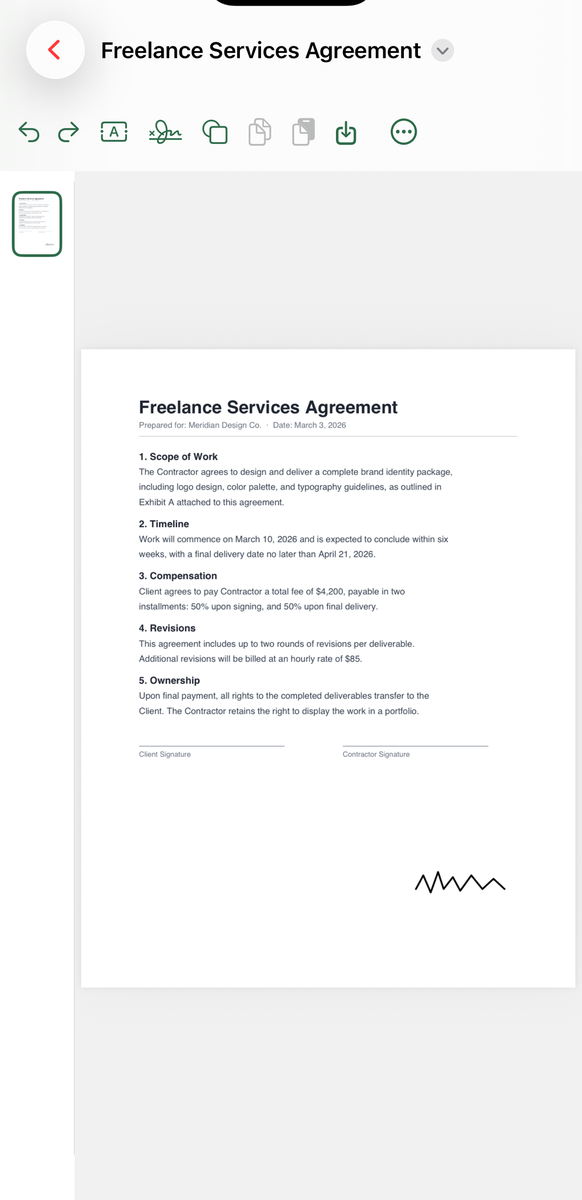
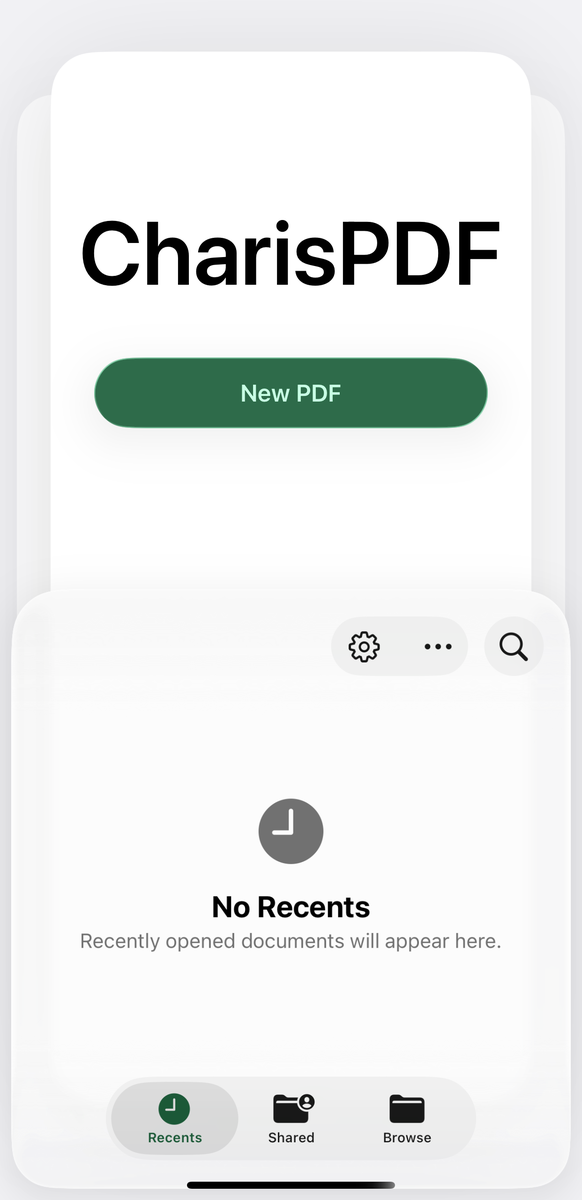
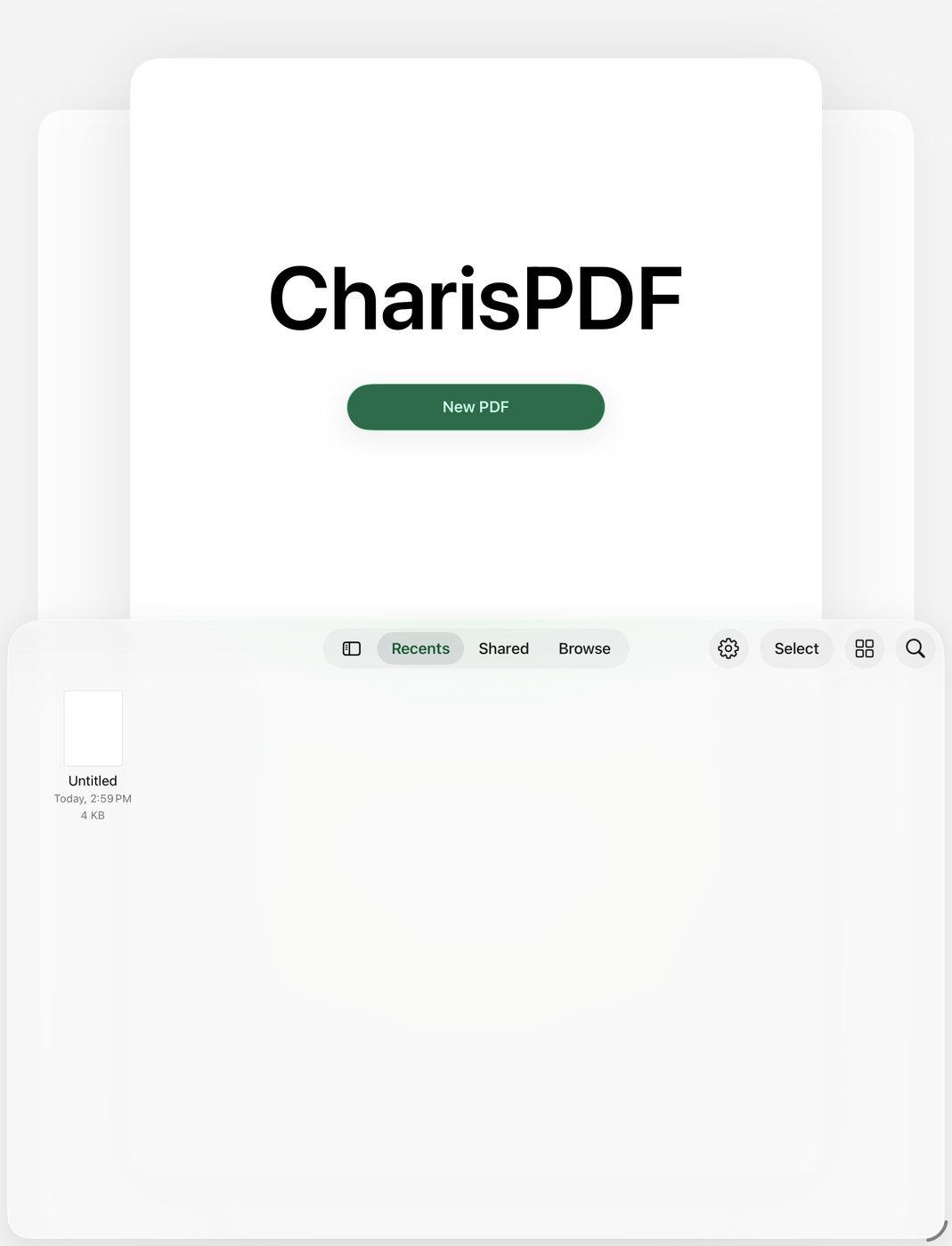
Captured from the simulator — the same local editor you get on the App Store. No account wall in these shots, because there isn’t one.
User guide
CharisPDF only adds marks on top of your PDF. It does not rewrite the original page content, and it does not require a sign-in.
Launch CharisPDF → tap a recent file, use Browse, or open a PDF from Files / Mail / another app with Share → CharisPDF. Or tap New PDF for a blank page.
In the editor toolbar, choose the signature tool. Draw or type a signature as an overlay you can move or delete later. A photo signature flattens onto that page (PDFKit limit) and is not selectable afterward.
Add text boxes and shapes as overlays. Highlight, underline, or strike through existing text without changing the underlying page stream.
Reorder, rotate, insert, delete, extract, or duplicate pages when you need a cleaner packet — still on device.
Save back to Files (or Save a Copy). Undo/redo through this session. Works offline; dark mode supported.
Privacy: CharisPDF collects no analytics and does not upload your files. The App Store privacy label is Data Not Collected. Optional Shortcuts / App Intents are on device and do not upload the PDF.
Questions
Open the PDF in CharisPDF, pick the signature tool, then draw or type your signature — no sign-in of any kind. It lands as an overlay you can select, move, or delete later. A photo signature is the one exception: PDFKit flattens it onto the page, so it isn't selectable again after you save.
Pick the highlight, underline, or strikethrough tool and mark the existing text directly. It only marks the text — the original page content underneath is never rewritten or reflowed.
No — that's the whole design rule. CharisPDF only ever adds new objects (text, shapes, signatures, highlights) on top of the page. It won't touch, reflow, or replace the original content stream, even to fix a typo.
Not yet. CharisPDF doesn't autosave — tap Save (or Save a Copy) before you switch apps or put your phone away. iOS can close a backgrounded app without warning, and unsaved edits would be lost. Autosave is a known gap, not a hidden one.
Yes. No subscription, no watermark on what you save, and no in-app purchases in this version.
No. Everything happens on-device — no analytics, no upload. Its App Store privacy label is Data Not Collected. The one exception is if you deliberately connect your own AI agent via Shortcuts/App Intents, which is optional and off by default.
The name
The product promise follows from the name: put your marks on the file you have, and leave the original page content alone. Not a rewrite, not a redo — just what you added.